inventory
Magic Flute
Manufacturer Website Link: AudioRhoon
Serial No(s):
Quick Start Guide
The Magic Flute is a breath-controlled instrument. It is useful when musicians only have control of their head movements and breathing.
Their breath controls the velocity of the notes played, and tilting the instrument backwards and forward controls the pitch.
As the instrument requires mouth contact, and exhaling through it, it’s necessary to have a mouthpiece and N95 filter for each new user. These can be found in the case. Once attached to the instrument, you can connect it to the synthesiser/controller part. Set the instrument on it’s stand in the “default” position in which it will be used.
Only then should you connect power. The instrument will then calibrate it’s reference position - it must be kept (very) still during this process.
You can also connect the MIDI (5 pin din) output to an external synthesiser, or just use the onboard synthesis and plug the Audio output straight into a speaker.
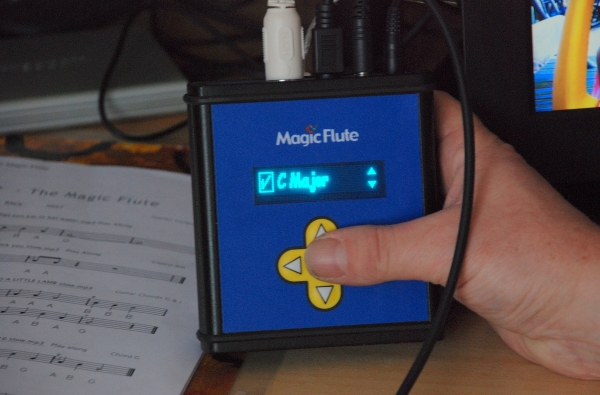
 Select this picture on the menu and start playing. You can see on the display which notes you play.
You can view the full manual, including instructions for sanitising parts and mouthpieces, here: My Breath My Music
Troubleshooting
If the instrument is too sensitive to tilting, sensitivity can be adjusted in the User Settings Menu. 1 is the least sensitive, 8 is the most sensitive.
If you need to reset the reference position, you can reset the gyroscope within this menu item:
 Then “reset giro”.
Having other issues? ask a question